
bellhop by actabl
Empty State

When to use

Use empty states when there's no data, no search results, or when users need to take action before content appears.

No Content

Display when users haven't created any items yet.

No Results

Show when searches or filters return no matches.

Error States

Communicate errors or unavailable content gracefully.

When not to use

  • When data is loading—use skeleton loader or spinner
  • For error states—use error messages or notifications
  • When empty state is temporary—show placeholder content
  • In lists with filtering—show "no results match" message instead

Variants

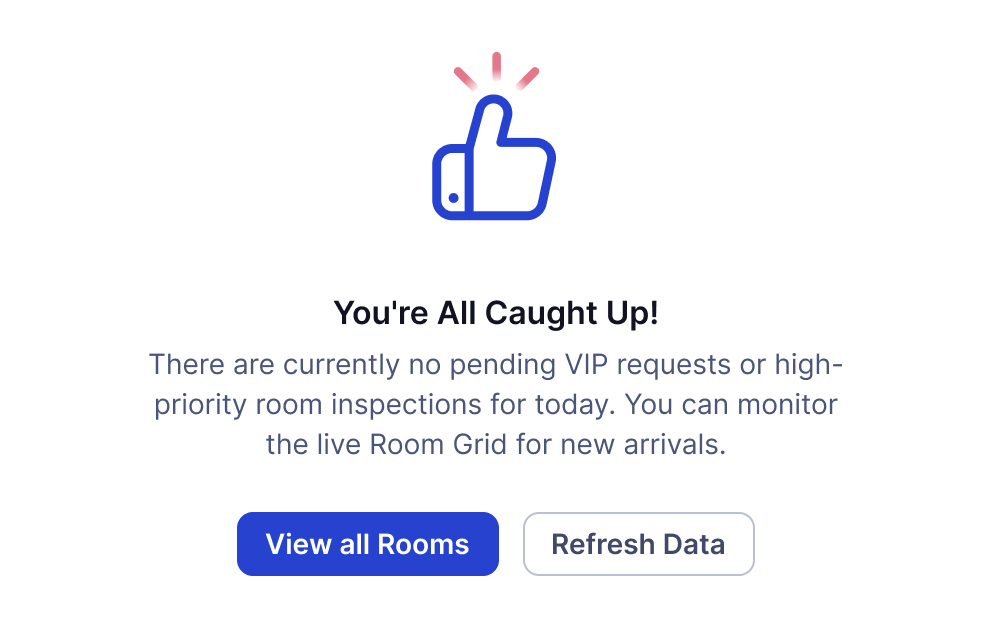
Empty states can be configured with different illustrations and actions.

With Primary Action

Single primary action button.

With Both Actions

Primary and secondary action buttons.

No Results

Search or filter returned no matches.

No Connection

Network or connection error state.

404 Page

Page not found error state.

Illustration Sizes

Illustrations come in three sizes for different contexts.

Small

Compact size for cards or limited space.

Medium (Default)

Standard size for most use cases.

Large

Large size for full page states.

Best Practices

Follow these guidelines when using empty states.

Do

  • Use friendly, encouraging language
  • Provide clear action buttons when appropriate
  • Choose illustrations that match the context
  • Explain why the state is empty
  • Offer helpful next steps or alternatives
  • Keep messaging concise and positive

Don't

  • Don't blame users for empty states
  • Don't use technical jargon or error codes
  • Don't show empty states for loading content
  • Don't use overly large illustrations for small spaces
  • Don't provide actions that won't help

Content Guidelines

Writing effective empty state messages.

Title

Short, clear statement of what's missing (3-6 words)

✓ "No projects yet"

✗ "You haven't created any projects"

Description

Explain why it's empty and what users can do (1-2 sentences)

✓ "Get started by creating your first project."

✗ "There are currently no projects available in the system at this time."

Action Button

Clear, actionable verb phrase (2-3 words)

✓ "Create project"

✗ "Click here to get started"

Accessibility

Empty states are designed to be accessible to all users.

Screen Reader

  • Title and description are properly announced
  • Action buttons have clear labels
  • Illustration has descriptive alt text
  • Content hierarchy is semantic

Keyboard Navigation

  • Action buttons are keyboard accessible
  • Tab order is logical
  • Enter/Space activates actions

Visual Design

  • Text has sufficient contrast
  • Buttons are clearly identifiable
  • Illustrations don't rely on color alone

Resources

Design and development resources for the Empty State component.

Figma

Available
View in Figma →

Web Components/Angular

Available
View in Storybook →

React

Available
View in Storybook →